Home Office Backup Power: Surge Protectors, UPS Battery Backups and Winter Outage Plans

This page may contain affiliate links. Some links on this site may be affiliate links, and we may earn a commission from affiliate programs at no extra cost to you. As an Amazon Associate I earn from qualifying purchases.
Quick answer: Protect your home office from winter outages and surges: surge protector ratings, UPS battery backup sizing, keeping internet up, safety rules. Featured picks in this guide include APC SurgeArrest P11VT3 11-Outlet Surge Protector (Check Price), CyberPower CP1500PFCLCD Line-Interactive Pure Sine Wave UPS (Check Price), Jackery Explorer 300 Portable Power Station (Check Price). Jump to quick picks or where to buy.
Winter storms, ice-laden branches and overloaded grids make power blips a regular part of a Midwest winter. For anyone who works from home, even a two-second flicker can reboot a desktop, drop a video call or corrupt a file that was halfway through saving. A longer outage can take your internet down with it. The good news is that a few modest purchases and a little planning go a long way. This guide explains the difference between a surge protector and a UPS battery backup, how to size a backup for your desk, how to keep your connection running, and the safety rules that matter most.
| Photo | Product | Best For | Key Spec | Price | Shop |
|---|---|---|---|---|---|
 | APC SurgeArrest P11VT3 11-Outlet Surge Protector | Editor's Pick | UL 1449 listed surge protection | Check Price | View Deal → |
 | CyberPower CP1500PFCLCD Line-Interactive Pure Sine Wave UPS | Upgrade Pick | 1,500 VA / 1,000 W pure sine wave | Check Price | View Deal → |
 | Jackery Explorer 300 Portable Power Station | Editor's Pick | 292–293 Wh class power station | Check Price | View Deal → |
 | Anker 525 Power Bank (PowerCore Essential 20K) | Upgrade Pick | 20,000 mAh capacity | Check Price | View Deal → |
Surge protector, power strip or UPS: what is the difference?
**A basic power strip** just adds outlets. Many inexpensive strips offer little or no surge protection, so check the packaging rather than assuming.
**A surge protector** adds components that divert brief voltage spikes, such as those from lightning or the grid switching back on after an outage, away from your equipment. It does nothing when the power goes out; your computer still shuts off instantly.
**A UPS (uninterruptible power supply)** contains a battery. When the power fails or sags, it switches to battery so your equipment keeps running for a few minutes, long enough to save your work and shut down cleanly, or to ride out a short flicker without noticing. Most UPS units for home offices also include surge protection on their battery outlets.
For a desk with a laptop, a surge protector may be all you need, since the laptop already has its own battery. For a desktop computer, external drives or a network storage box, a UPS is the bigger upgrade.
What to look for in a surge protector
- **A UL 1449 listing.** This is the US safety standard for surge protective devices, and it is the first thing to check on the box or product page. - **Joule rating.** A higher number generally means the protector can absorb more energy before it wears out. For computers and monitors, many buyers look for at least 1,000 joules. - **Clamping voltage (voltage protection rating).** Lower is better; it is the level at which the protector starts diverting a surge. - **A protection indicator light.** Surge components wear out over time, and the light tells you when the protection is gone even though the outlets still work. Replace the unit when the light goes out, or after a major surge. - **Outlet spacing and USB ports** for bulky chargers and phones.
Avoid plugging one power strip into another ("daisy-chaining"), and never run a space heater through a power strip or surge protector. Heaters draw a lot of current and should go directly into a wall outlet. Our winter home office heating guide covers safe heater use in more detail.
How to choose a UPS battery backup
**Add up your wattage.** List what you want to keep running: computer, monitor, modem, router and perhaps an external drive. Check the label or manual for each device's watts, total them, and pick a UPS whose **watt** rating (not just its VA rating) is comfortably above that total. Manufacturers usually publish runtime charts showing how many minutes a given model lasts at a given load.
**Plan for minutes, not hours.** A typical desktop UPS is meant to bridge flickers and give you time to shut down safely, not to power an office through a long outage. If you need hours, see the portable power station section below.
**Know the three main types.** *Standby* units are the simplest and least expensive. *Line-interactive* units can also correct mild voltage sags and surges without switching to battery, which helps in older homes and neighborhoods with frequent brownouts. *Online (double-conversion)* units power equipment from the inverter all the time and are usually overkill for a home office.
**Check the output waveform.** Many modern computer power supplies are designed to work best with a pure (or true) sine wave output. Some cheaper UPS models produce a stepped or simulated sine wave, and some computers may shut down when switched to that kind of output. If you run a desktop, a pure sine wave model is the safer choice.
**Look for battery and surge outlets.** Many units split their outlets into battery-backed outlets and surge-only outlets. Put the computer, monitor, modem and router on battery; put printers and desk lamps on surge-only.
**Use the USB connection.** Most UPS units can connect to your computer by USB, so the computer can shut itself down automatically before the battery runs out, even if you are away from your desk.
Keeping your internet up
Your modem and router draw relatively little power, so a small UPS can often keep them running for a long time. That said, a backup only helps if your internet provider's equipment down the street also has power, which is not always the case in a widespread outage. A phone hotspot is a useful fallback: confirm your plan includes hotspot data before you need it, and keep a charged power bank and a charging cable in your desk drawer.
Portable power stations for longer outages
A portable power station is a large rechargeable battery with built-in outlets. It can keep a laptop, phone, router and lamp going for much longer than a desktop UPS, depending on its capacity in watt-hours. Some models offer pass-through charging and can act as a basic backup, but the switchover may not be fast enough for a desktop computer, so check the manufacturer's stated switchover time. Power stations are safe to use indoors because they do not burn fuel. Gas generators are not: run them only outdoors, far from doors, windows and vents, and never in a garage, as covered in our Minnesota winter storm and power outage guide.
Gear worth a closer look
We have not hands-on tested these products. The notes below are drawn from manufacturer specifications and other widely published product information. Amazon prices change, so we do not list a static Amazon price; use the button to check the live listing.
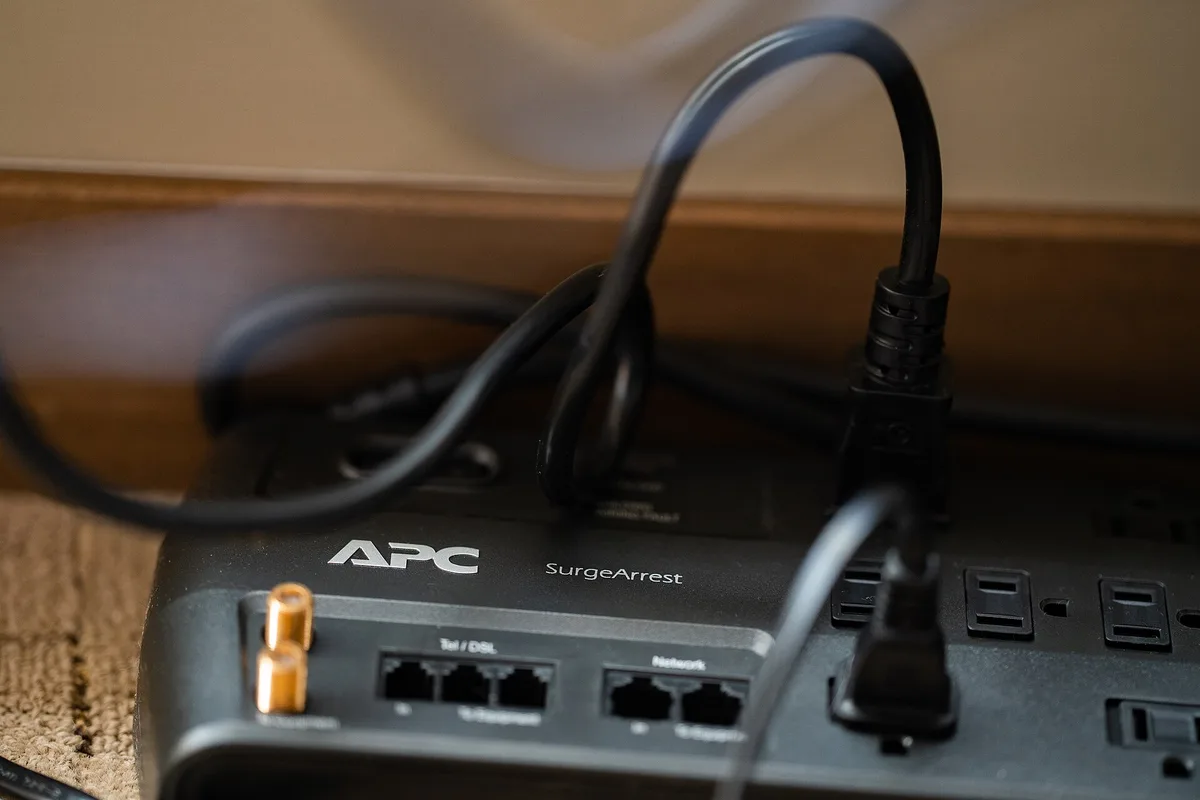
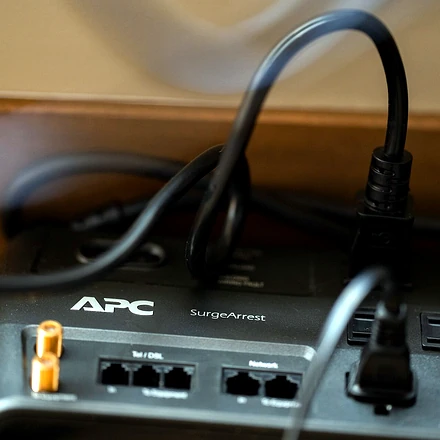
The APC SurgeArrest P11VT3 is an 11-outlet surge protector with a published 3,020-joule rating, telephone/DSL and coaxial protection, and a UL 1449 listing. A protection indicator light is part of the published design, which matters because surge components wear out even when the outlets still work.
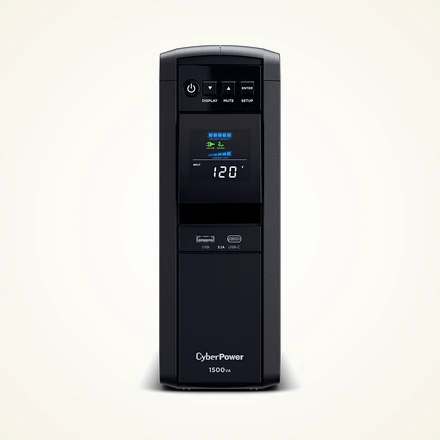
For a desktop computer, the CyberPower CP1500PFCLCD is a widely sold line-interactive UPS with a published 1,500 VA / 1,000 W rating, automatic voltage regulation, a pure sine wave output and a front-panel LCD. Size it against your computer, monitor, modem and router wattage, and check CyberPower's runtime chart for your load.
A compact UPS is often enough for just a modem and router. The APC Back-UPS BE600M1 is a 600 VA / 330 W unit with a mix of battery-backed and surge-only outlets plus a USB charging port, which fits a small network stack without reserving a full desktop UPS for that job.
For longer outages, a portable power station can keep a laptop, phone, router and lamp going, depending on watt-hour capacity and load. The Jackery Explorer 300 is a well-known ~292–293 Wh class station with a 300 W AC output and USB ports; check Jackery's published runtime figures for your devices, and confirm the stated switchover behavior if you want to use it near a desktop.
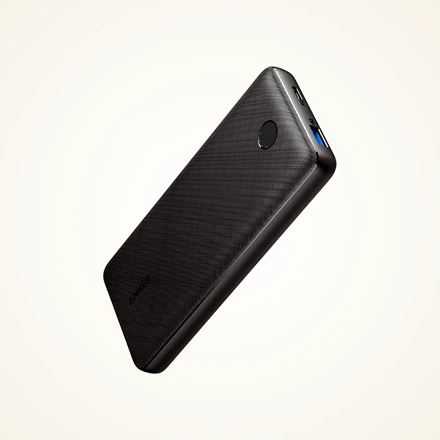
A charged USB power bank covers phones and a hotspot when the house is dark. The Anker 525 Power Bank (PowerCore Essential 20K PD) is a 20,000 mAh pack with USB-C Power Delivery, which is enough capacity for typical phone and hotspot charging during a short outage.
Where to buy
These are specific products from retailers we partner with. Confirm size, stock and the live price on the product page before you buy.
APC SurgeArrest P11VT3 11-Outlet Surge Protector
An 11-outlet surge protector with a published 3,020-joule rating, telephone/DSL and coaxial protection, a protection indicator light and a UL 1449 listing. Replace the unit when the protection light goes out.
- UL 1449 listed surge protection
- 11 outlets, 3,020-joule rating
- Check current Amazon stock and seasonal bundle sizing before ordering
CyberPower CP1500PFCLCD Line-Interactive Pure Sine Wave UPS
A 1,500 VA / 1,000 W line-interactive UPS with automatic voltage regulation, a published pure sine wave output, a color LCD and a mix of battery-backed and surge-only outlets. Check the official runtime chart for your total wattage.
- 1,500 VA / 1,000 W pure sine wave
- Line-interactive AVR
- Check current Amazon stock and seasonal bundle sizing before ordering
Jackery Explorer 300 Portable Power Station
A portable power station in the 292–293 Wh class with a 300 W AC output and USB ports, designed to run phones, a laptop, a router or a lamp for longer than a typical desktop UPS. Confirm outlet types and published runtime for your load.
- 292–293 Wh class power station
- 300 W AC output
- Keep battery charged indoors before sub-zero winter trips
Anker 525 Power Bank (PowerCore Essential 20K)
A 20,000 mAh USB power bank with USB-C Power Delivery, useful for phones and a hotspot during an outage. Keep it charged in a desk drawer so it is ready when the lights go out.
- 20,000 mAh capacity
- USB-C Power Delivery
- Keep battery charged indoors before sub-zero winter trips
A quick outage checklist for your desk
1. Turn on autosave in the apps you use and save often during storm warnings. 2. Plug the computer, monitor, modem and router into battery-backed outlets, and set up automatic shutdown software. 3. Test the UPS a couple of times a year by unplugging it from the wall while your computer is running, and replace the battery when the unit warns you. 4. Keep a headlamp or flashlight within reach of your desk. 5. Know how to reach your employer or clients by phone if your internet goes down.
The bottom line
A good surge protector is inexpensive insurance for every desk, and a properly sized UPS turns a power flicker from a lost afternoon into a non-event for desktop users. For longer outages, a portable power station and a phone hotspot fill the gap. Pair this with a comfortable setup from our standing desk guide and home office lighting guide, and your home office will be ready for whatever this winter brings.
Frequently asked questions
Do I need a UPS for a laptop?
Usually not for the laptop itself, since it has its own battery, but a small UPS for your modem and router can keep your internet running during short outages. A surge protector is still a good idea.
How long will a UPS run my computer?
It depends on the UPS and how much power your equipment draws. Most home office units are designed to provide several minutes, enough to save work and shut down. Check the manufacturer runtime chart for your total wattage.
Can I plug a space heater into a surge protector?
No. Space heaters draw a lot of current and should be plugged directly into a wall outlet, never into a power strip or surge protector.
How often should I replace a surge protector?
Replace it when its protection indicator light goes out, after a major surge, or if it shows damage. Surge components wear out over time even when the outlets still work.